Screenshots
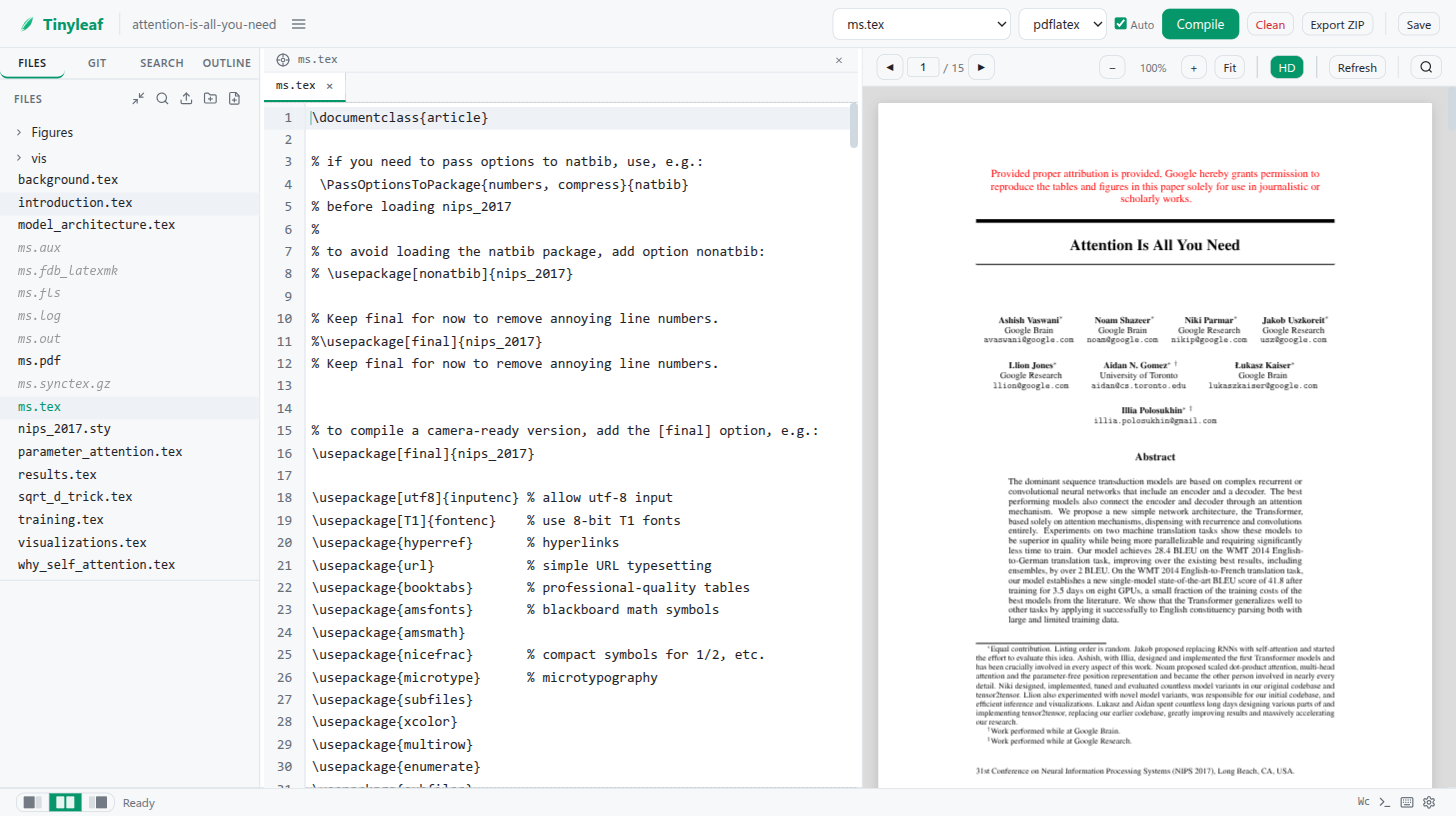
Editor with PDF Preview
The main editing interface: LaTeX source on the left, live PDF preview on the right.
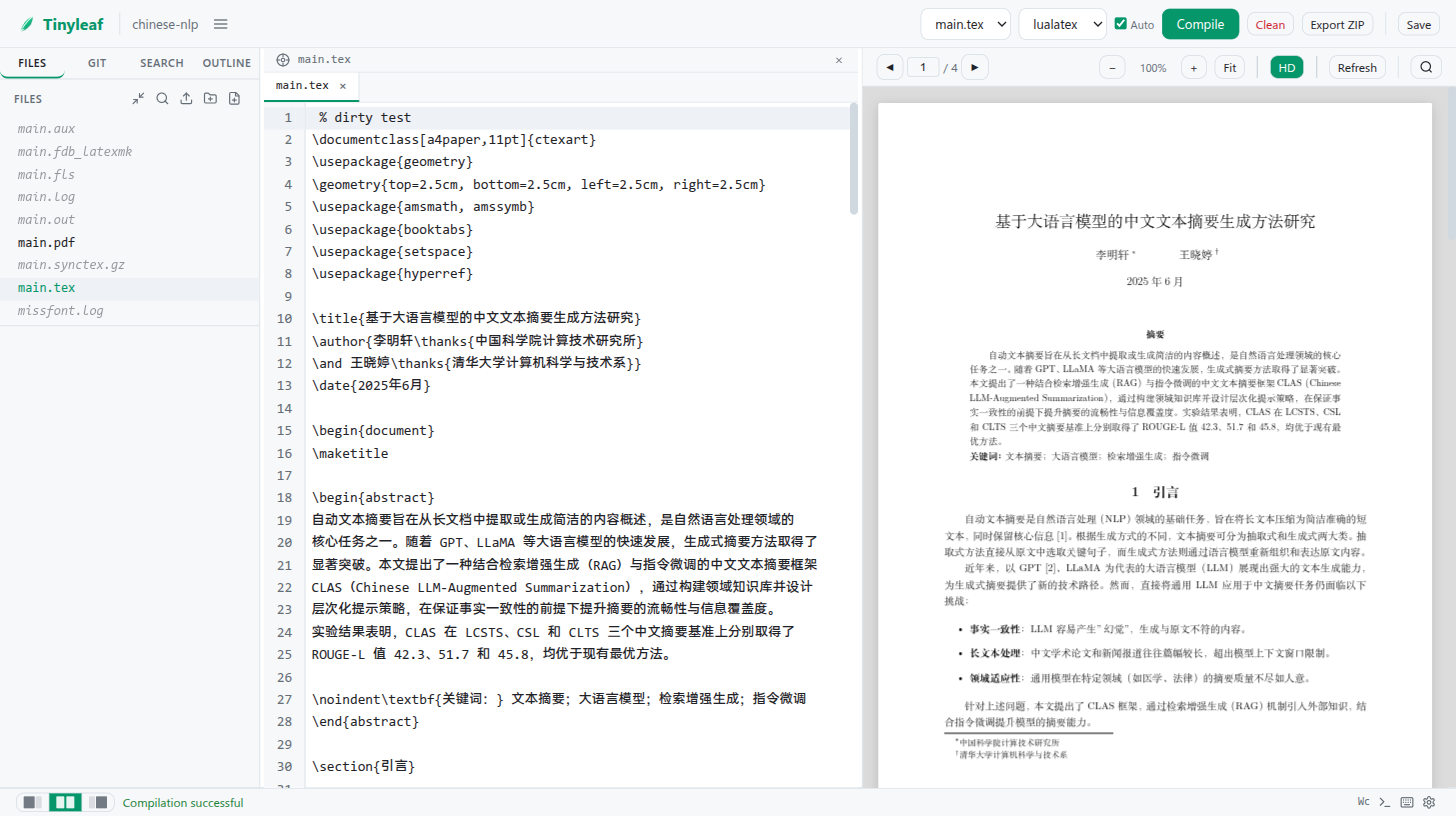
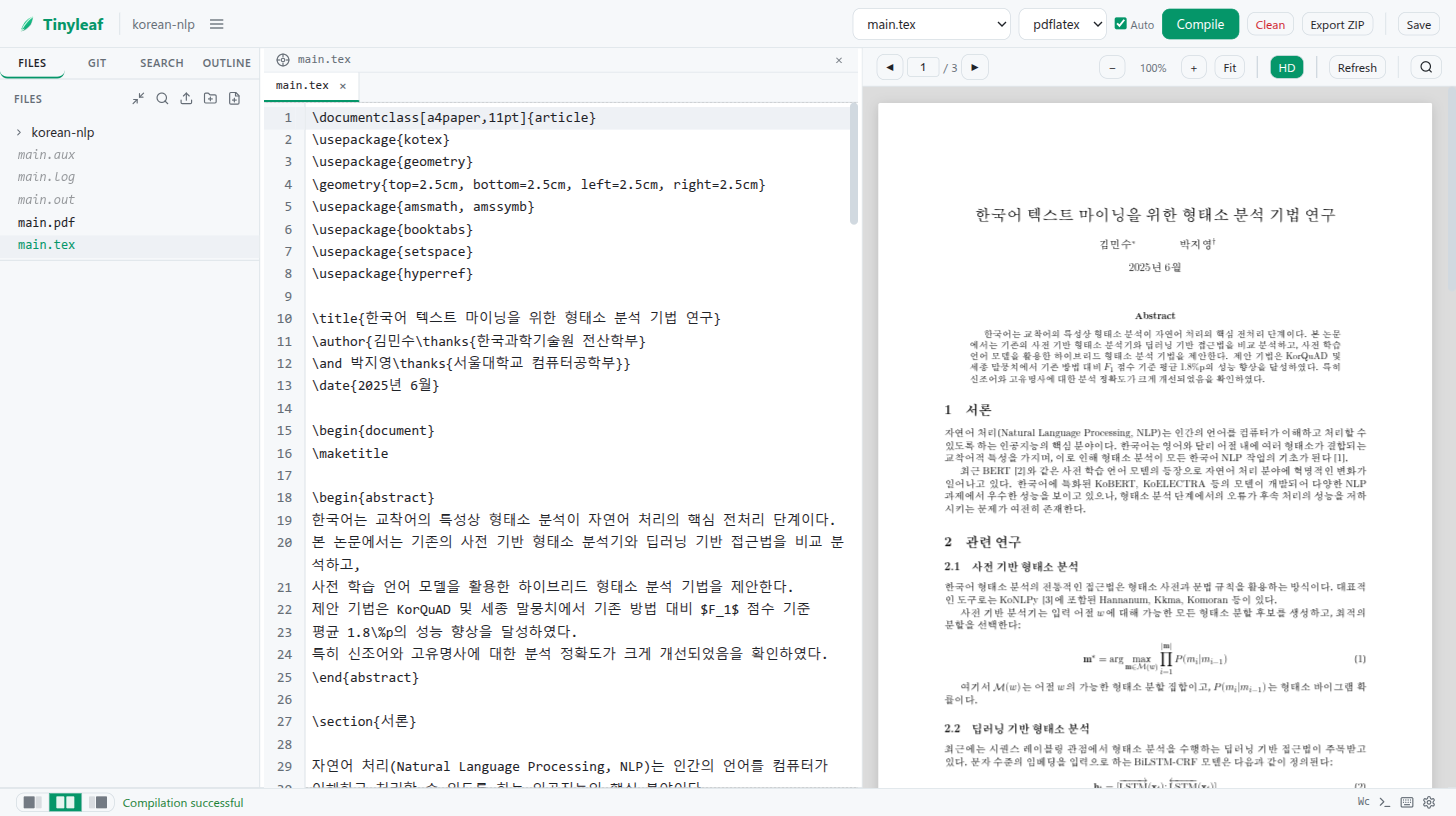
Editor with CJK Content
Full CJK support — editing a Chinese NLP paper with ctex macros and lualatex.
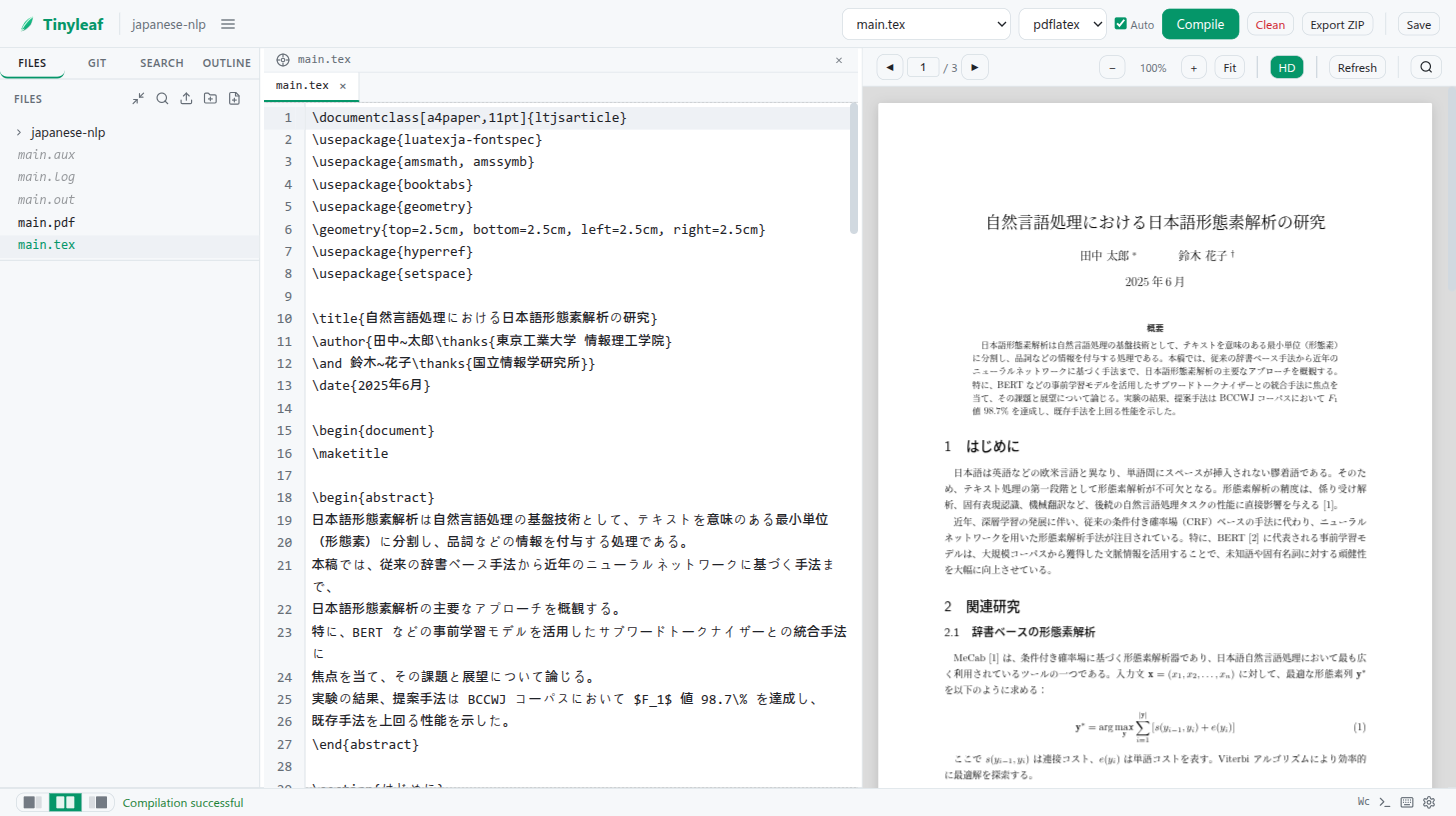
Editing a Japanese NLP paper with luatexja and lualatex.
Editing a Korean NLP paper with kotex and xelatex.
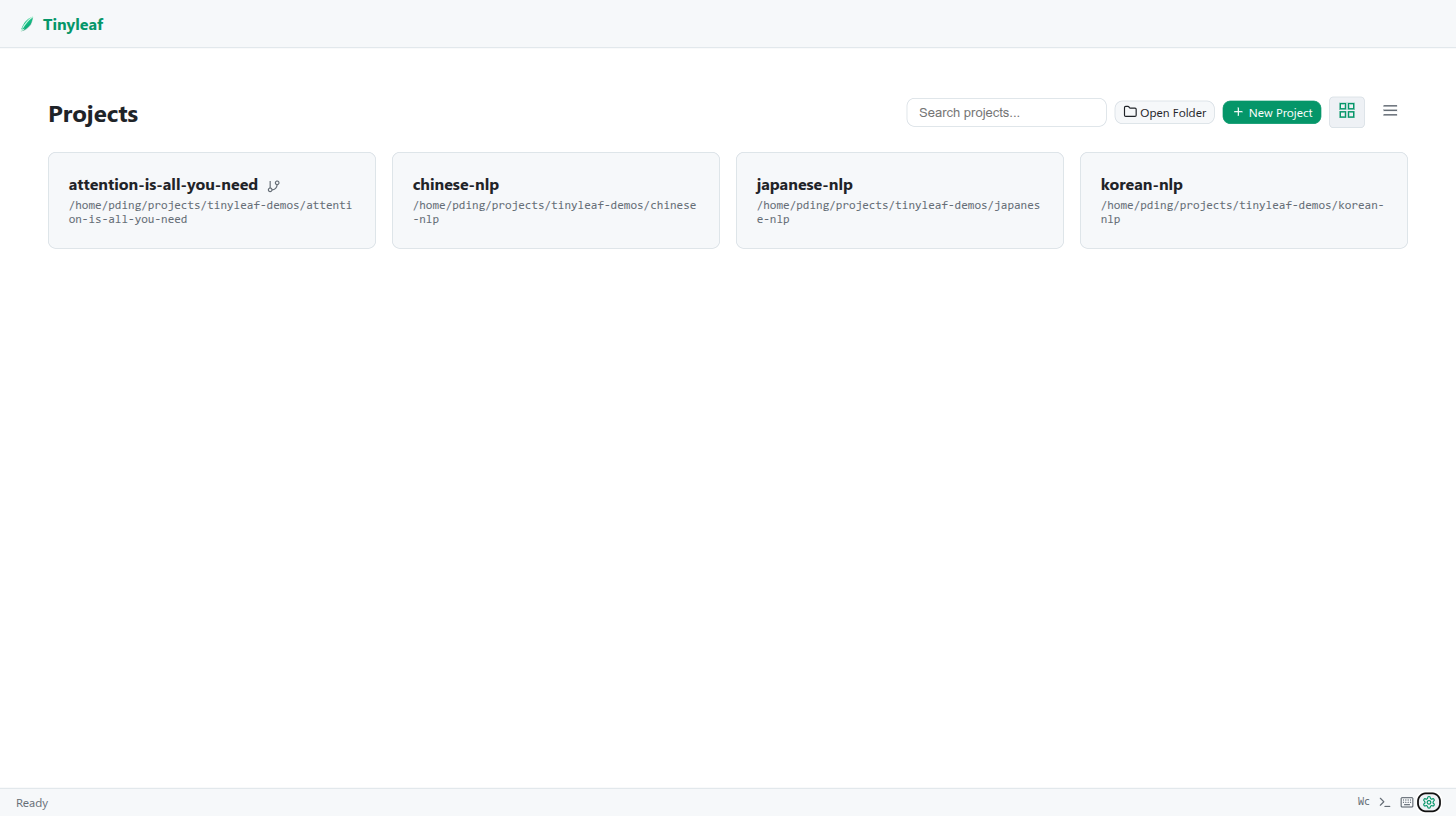
Project List — Grid View
Multi-project mode displays registered projects as cards. Search, open folder, and create new projects from the toolbar.
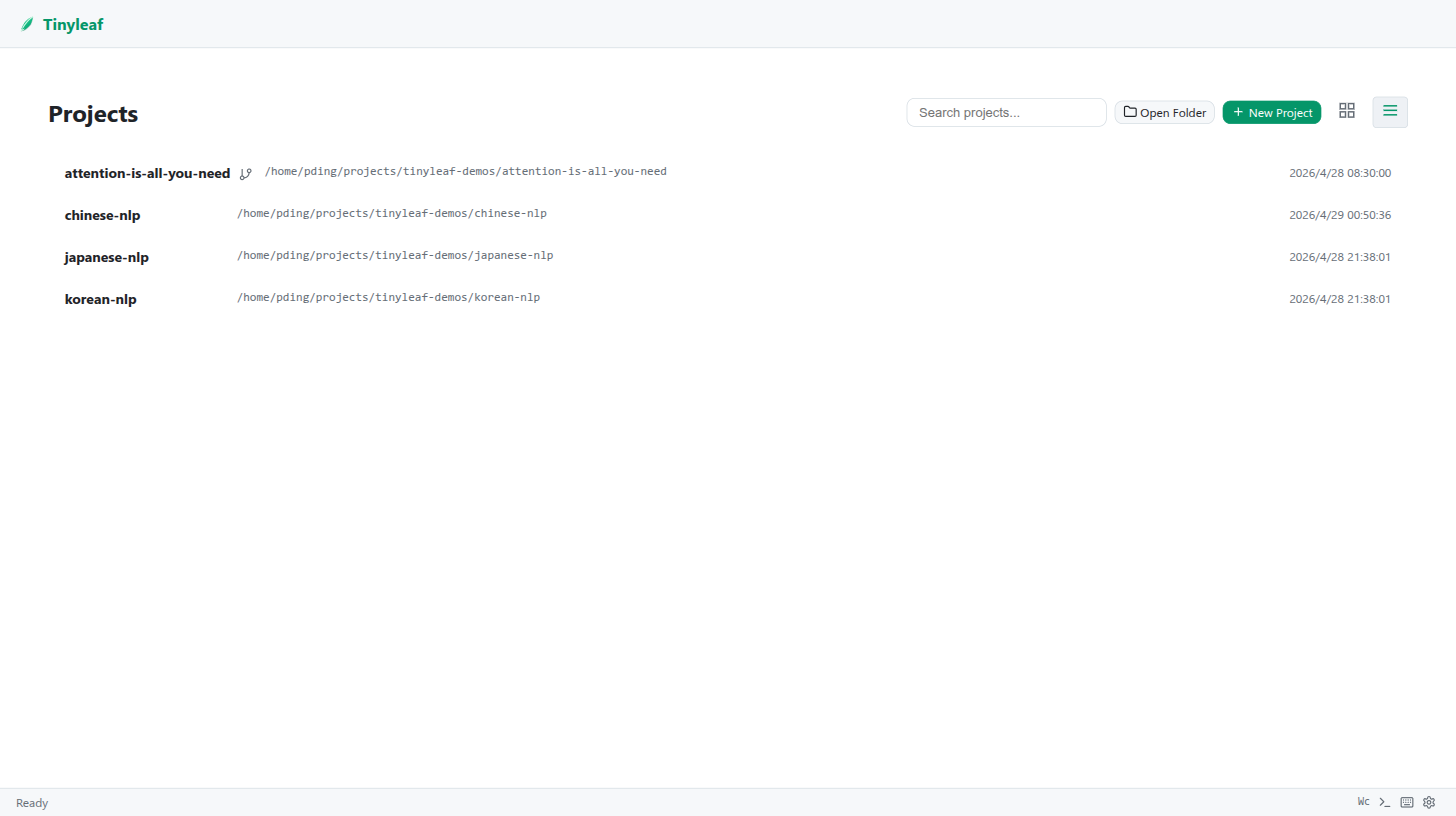
Project List — List View
Compact list layout with timestamps, toggled via the toolbar.
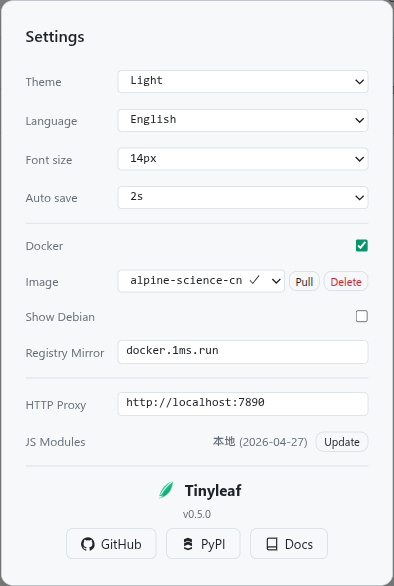
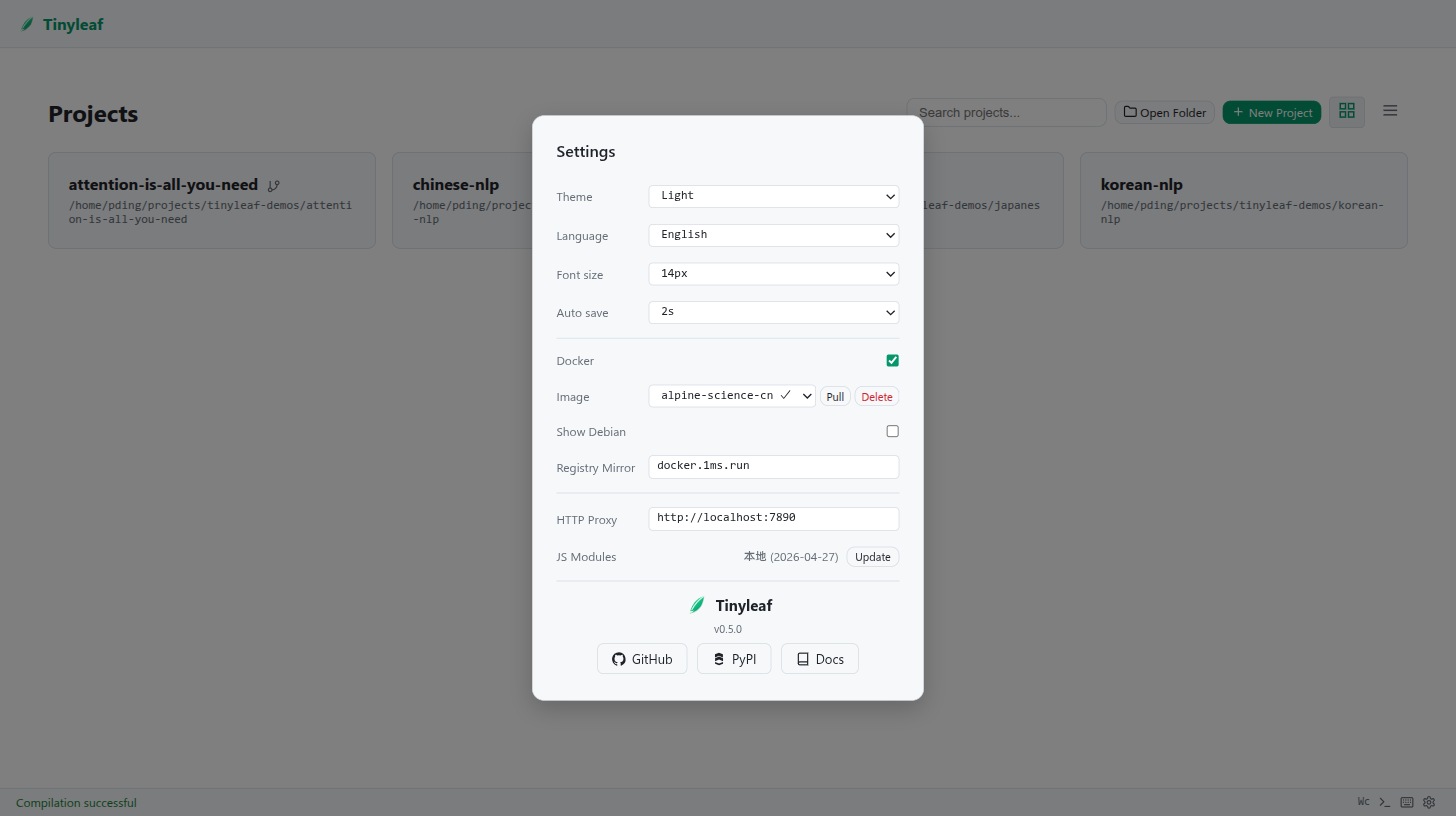
Settings Panel
Configure theme, language, font size, auto-save interval, Docker image, and registry mirror.
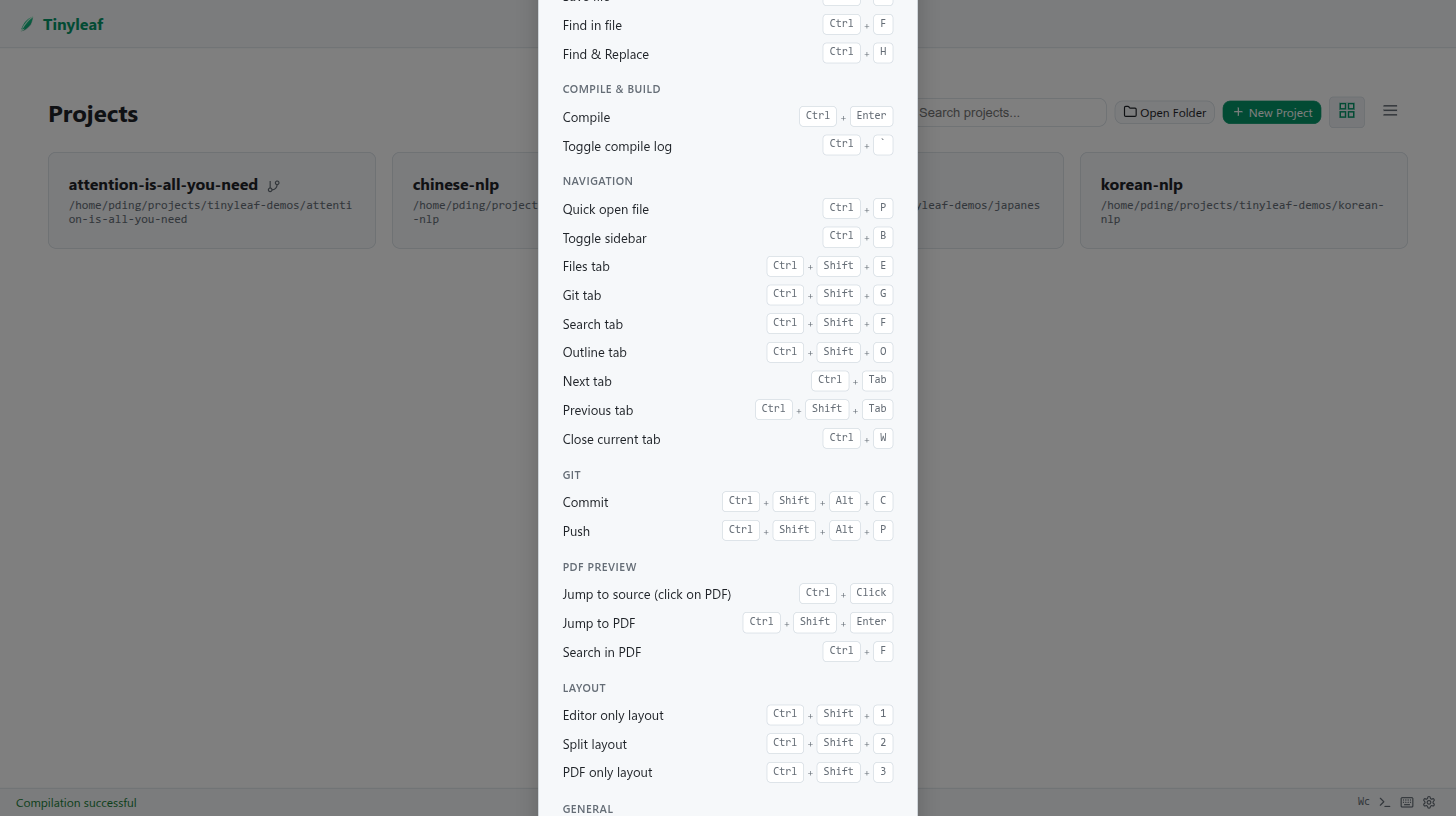
Keyboard Shortcuts
All keyboard shortcuts at a glance — press Ctrl+/ to open.
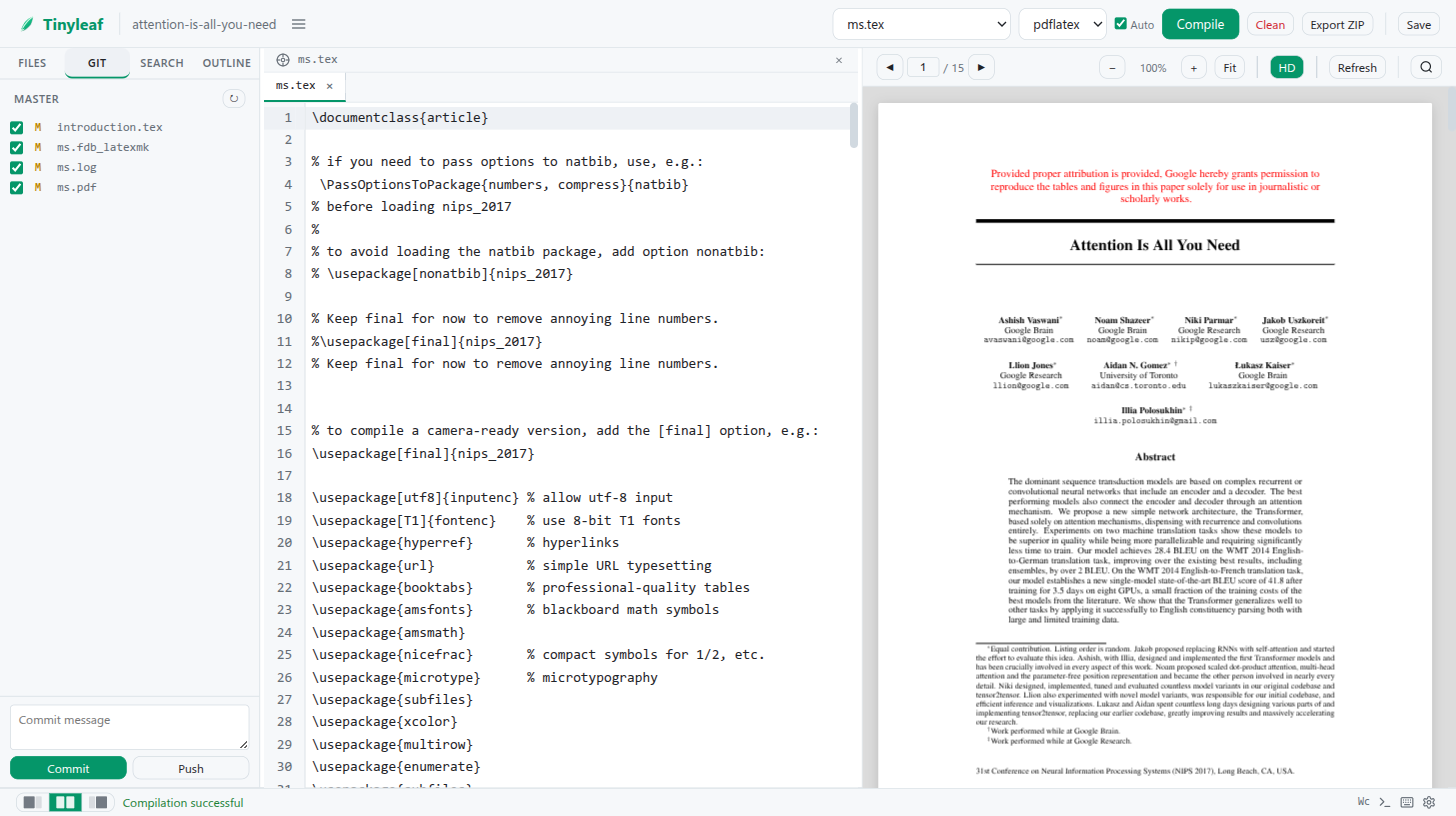
Git Integration
The Git panel shows changed files with commit and push controls.
About
Version info and quick links to GitHub and PyPI.