Quick Start
Single Project Mode
Open a LaTeX project directory directly:
This starts the editor on http://localhost:14159 and opens it in your browser. Docker compilation is enabled by default.
Disable Docker (Local Compilation)
Custom Port and Host
Custom Docker Image
Multi-Project Mode
Launch without arguments to enter registry mode:
From the project page you can:
- Open Folder — browse the filesystem and register an existing directory
- New Project — create a new LaTeX project at a chosen path
- Rename — change a project's display name
- Remove — unregister a project (optionally delete files from disk)
- Search — filter projects by name or path
- View toggle — switch between grid and list views
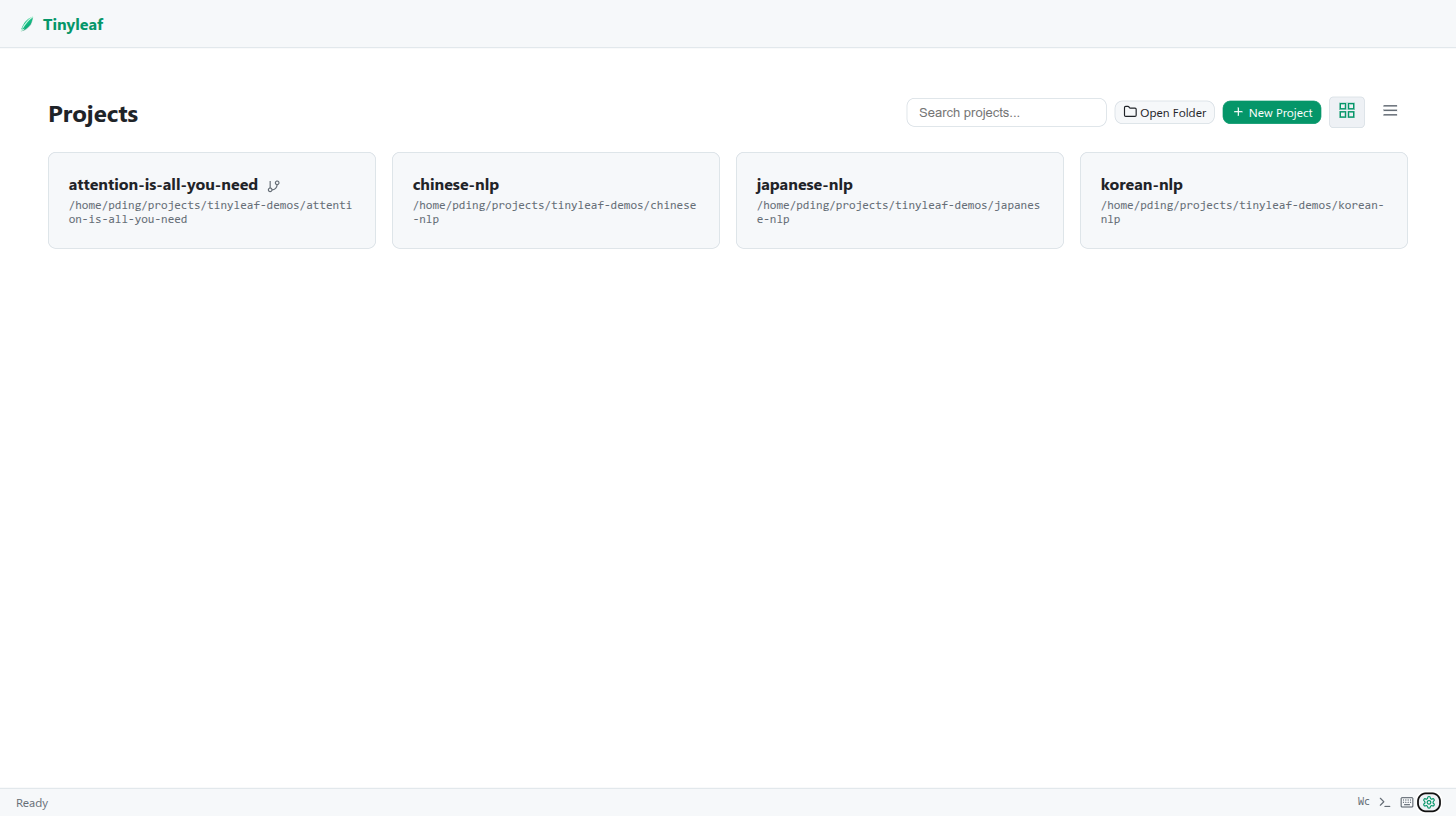
Projects are stored in ~/.config/tinyleaf/projects.json.
Keyboard Shortcuts
| Shortcut | Action |
|---|---|
Ctrl+S |
Save current file |
Ctrl+Enter |
Compile |
Ctrl+Shift+Enter |
Jump to PDF (forward search) |
Ctrl+Click (PDF) |
Jump to source (inverse search) |
Ctrl+Shift+E |
Switch to Files tab |
Ctrl+Shift+F |
Switch to Search tab |
Ctrl+Shift+G |
Switch to Git tab |
Ctrl+Shift+Alt+C |
Git commit |
Ctrl+Shift+Alt+P |
Git push |
Ctrl+/ |
Show keyboard shortcuts |
Esc |
Close dialog |
Tip
Press Ctrl+/ at any time to see the full shortcuts panel.